Showing Up for Our Communities
Through Frontwave Give360, we support local organizations and causes that strengthen the communities we call home.
Through Frontwave Give360, we support local organizations and causes that strengthen the communities we call home.

Use the value you've built to renovate, consolidate, or fund what's next.
Lending options tailored for hardworking business owners like you.
Insights on money, life, and the communities we serve.
Turning compassion into action through grants, scholarships, and support for local nonprofits.
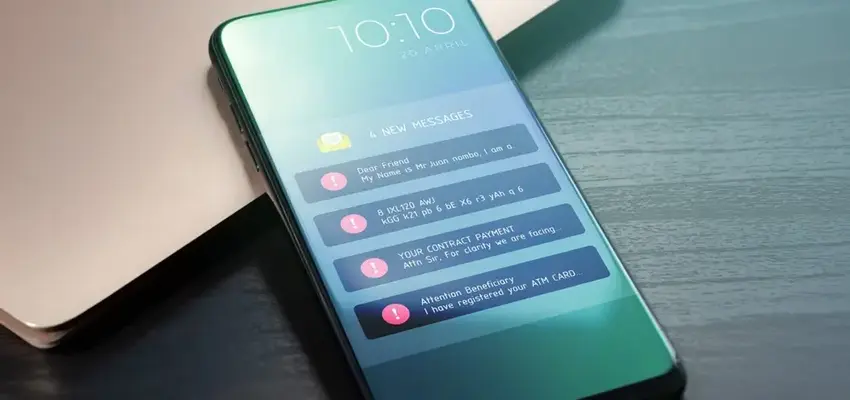
Lately, Gmail has been in the headlines for all the wrong reasons. Phishing campaigns tied to leaked business contact data and a new AI-driven exploit that hijacks Google Calendar invites show how far attackers will go to steal personal information. But Gmail isn’t the only target. If you’re online, your accounts and inboxes are at risk.
That’s why it’s critical to stay sharp. Whether you use Gmail, Outlook, Yahoo, or another service, the risks are real. The good news is that there are simple steps you can take to protect yourself. Here are five threats to watch for and how to stop them.
Scammers are using artificial intelligence to create emails, texts, or even phone calls that look and sound real. Some mimic a coworker’s writing style or even a manager’s voice. The solution is simple: slow down, double-check, and verify. If someone asks you to click a link or share information, confirm it through a trusted source like calling the number on the company’s official website or using contact details you already know are real.
Hackers recycle stolen logins from past data leaks, hoping you reused them. If the same password is tied to more than one account, you could be giving them access without realizing it. Look up whether your information has been part of a breach, review old passwords, and update them with strong, unique ones. You can check if your email has appeared in a breach at haveibeenpwned.com. Turn on two-factor authentication wherever possible for an extra layer of protection.
Fraudsters send fake shipping updates, bank alerts, or place phony QR codes on posters, flyers, and menus. Scanning one can take you to a fake site designed to steal your information. Stay safe by scanning only from trusted sources like our website, emails, or in-branch materials. Watch for stickers covering real codes, and preview the link before opening to be sure it matches the official site. Most phones have a built-in QR scanner that shows the address, so you don’t need a separate app. If a code looks suspicious or the link seems off, skip it and go directly to the company’s site or app.
Great, you’ve made a plan! But are you sticking with it? Plan your paychecks and check back to see how your actual spending compares with your plan. Print out your checking account statement and/or credit card statements and review them to see if your spending habits are in line with your goal. Highlight anything that doesn’t fit your plan, then make adjustments as you need to.
Attackers create fake profiles that look like friends, coworkers, or even your bank or credit union. They use these accounts to gather personal information or send malicious links. Be cautious with requests on social media, and remember, we will never ask for your account details through those channels.
Scammers call pretending to be tech support or even your credit union, warning about fraud or urgent problems. They use fear to pressure you into giving up sensitive information or granting access to your device. The safest move is to hang up and call the official number on the company’s website. Frontwave will never call, email, or text you to ask for login credentials, security codes, PINs, or card numbers. If someone does, it’s a scam.
Staying secure online isn’t about being afraid. It’s about building smart habits that make a difference every day. Use strong, unique passwords and update them often. Turn on two-factor authentication with passkeys or authenticator apps. Keep your phone and computer updated. Back up important files and pause before clicking links or opening attachments. A few small steps give you big protection and peace of mind.
Internet Explorer is no longer supported by Microsoft. Please update to Microsoft's latest browser Microsoft Edge. Please note that even Microsoft's website cannot well-support this browser. Navigating to the link in this message will result in you being directed to a "Download Microsoft Edge" page with license terms and an "Accept and download" button.
You are leaving the Frontwave Credit Union website. External third-party web sites will be presented in a new and separate content window. Frontwave Credit Union does not provide, and is not responsible for, the product, service, overall website content, accessibility, security or privacy policies on any external third-party sites.