Your Frontwave Visa® debit or credit card makes spending easy. If it’s lost, stolen or you spot unauthorized transactions, contact us immediately. We’ll secure your account, stop fraud fast and get you back on track.
Report Lost or Stolen Cards or Unauthorized Transactions 24/7
Act fast. One call locks your card, stops fraud and protects your money.
Lock your card, control spending and protect yourself from fraud. This page gives you clear steps for everyday card needs in Digital Banking, plus fast access to support when you need it. Open any topic for details.
Card Security and Fraud Protection
If your card is lost, stolen or you see suspicious activity, act fast. Lock your card first, then contact us to file a claim. We will secure your account and issue a replacement.
Use this if your card is misplaced but not stolen.
From a browser, select Manage Accounts, then select Card Management.
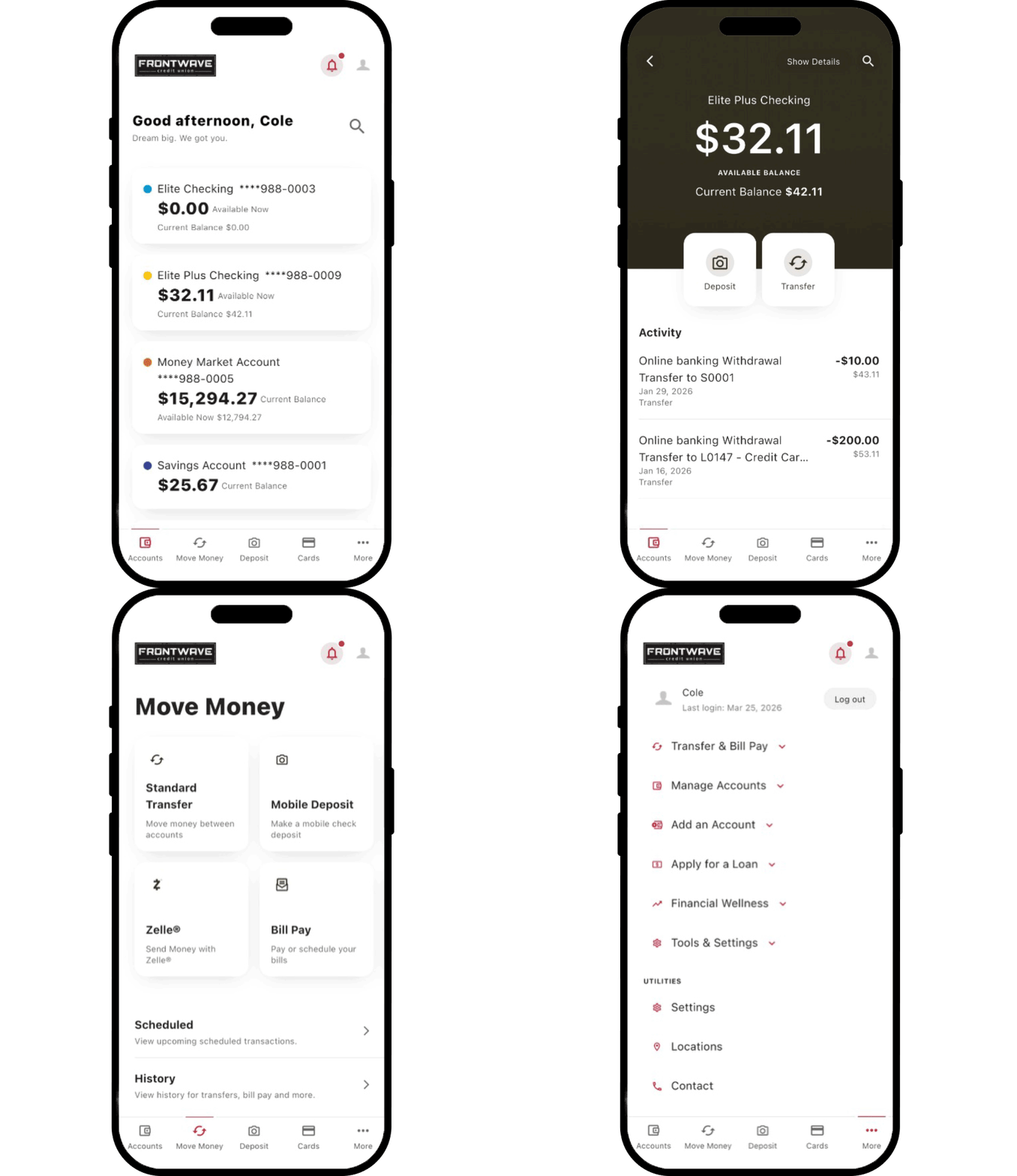
In the mobile app, tap the Cards shortcut.
On the Card Controls page, tap Block this card.
To unblock your card, simply return to the Card Controls page and tap Block this card
Important: If your card is lost or stolen, block it right away to help prevent unauthorized transactions. Then contact us to request a replacement.
If your card is lost or stolen, contact us immediately.
A Cardholder Support representative will guide you through next steps.
Get text alerts if suspicious card activity occurs. Message frequency depends on account activity.
How to enroll Fraud alerts are enabled when you provide a mobile number for card alerts. If you need to add or update your mobile number, contact the Member Solution Center at 800.736.4500.
Manage your alerts Text HELP to 23618 for assistance. Text STOP to 23618 to cancel fraud text alerts at any time.
Your consent By providing your mobile number, you agree that Frontwave Credit Union may send text messages to notify you of suspected financial or identity fraud.
Important delivery notice Text alerts may not be delivered if your phone is outside network coverage or if network capacity is limited. Wireless carriers are not responsible for delayed or undelivered messages and do not guarantee alert delivery.
Manage your card on your terms. Set alerts, control spending and add travel notices from Digital Banking on desktop or mobile.
From a browser, click Manage Accounts, then Card Management.
In the mobile app, tap the Cards shortcut.
Tap the image of the card you want to manage.
Select Alerts and Controls, then tap the pencil icon next to Manage Card Alerts.
Set your transaction limit, tap Set Limit, then tap the X to close.
If needed, register your card using the link below Manage Card Alerts.
Tip: Alerts can help you stay on top of spending and quickly spot suspicious activity.
From a browser, click Manage Accounts, then Card Management.
In the mobile app, tap the Cards shortcut.
Tap the image of your card, then choose Travel Notices.
Enter your trip details and tap Save.
Tip: Submit your travel notice at least 2–3 days before your trip to avoid declined charges while you're away.
From a browser, click Manage Accounts, then Card Management.
In the mobile app, tap the Cards shortcut.
Select your card.
Select Spending Limits.
Enter your preferred limits.
Select Save.
Card Maintenance
Keep your card working smoothly by managing PINs and recurring payment updates.
Call 866.309.4934 to change your Visa credit or debit card PIN using the automated system.
When you receive a new or reissued Frontwave Visa debit or credit card, Visa Account Updater automatically shares your updated card number and expiration date with participating merchants. This helps recurring payments continue without interruption.
Internet Explorer is no longer supported by Microsoft. Please update to Microsoft's latest browser Microsoft Edge. Please note that even Microsoft's website cannot well-support this browser. Navigating to the link in this message will result in you being directed to a "Download Microsoft Edge" page with license terms and an "Accept and download" button.
Leaving Frontwave Credit Union
You are leaving the Frontwave Credit Union website.
External third-party web sites will be presented in a new and separate content window. Frontwave Credit Union does not provide, and is not responsible for, the product, service, overall website content, accessibility, security, or privacy policies on any external third-party sites.