Showing Up for Our Communities
Through Frontwave Give360, we support local organizations and causes that strengthen the communities we call home.

Protect your accounts, recognize scams, and know what to do if something feels wrong.

Choose the situation that best matches what happened or what feels suspicious to get guidance, recommended next steps, and ways to help protect your accounts and personal information.
Scammers can spoof phone numbers and impersonate financial institutions.
Learn how to spot phishing messages and fake fraud alerts.
Take immediate steps to secure your accounts and prevent access.
Protect your device and review your accounts for unusual activity.
I noticed unauthorized transactions
Learn how to report fraud and protect your cards and accounts.
Lock your card, review transactions, and request a replacement.

Report suspicious activity right away so we can take steps to protect your account.
Scammers can spoof legitimate phone numbers to make calls appear as if they are coming from Frontwave. These calls often create urgency and pressure people into sharing sensitive information quickly.
Warning signs
What to do now
Important Reminder
Frontwave will never call, text, or email asking for your password, one-time security code, PIN, or full debit or credit card number.
Fraudulent texts and emails are designed to look legitimate and often create urgency to pressure people into clicking links, replying, or sharing personal information.
Warning signs
What to do now
Important Reminder
Frontwave will never ask for passwords, one-time security codes, or full card numbers through text or email.
If you shared a password, PIN, or one-time security code, act quickly. Scammers may attempt to use that information to access your accounts or authorize transactions.
What to do now
Additional protection steps
Important Reminder
One-time security codes are meant to verify your identity. Frontwave employees do not need you to read these codes aloud.
Suspicious links can lead to fake login pages, malware, or attempts to collect personal information. Taking action quickly can help reduce potential damage.
What to do now
Warning signs after clicking
Important Reminder
If a message feels suspicious, log in through Frontwave’s official website or mobile app to verify account activity.
Unauthorized purchases, transfers, or account activity may be a sign that someone gained access to your account or card information.
What to do now
Common warning signs
Important Reminder
Acting quickly can help reduce fraud exposure and protect your accounts.
A lost or stolen card can put your account at risk if not addressed quickly. If you think you may have misplaced it, lock or freeze your card right away while you look for it.
What to do now
Additional tips
Important Reminder
If you notice suspicious purchases or activity, contact Frontwave immediately.
Scammers continue to evolve their tactics across phone calls, text messages, social media, and digital banking. Stay informed about some of the latest fraud trends affecting consumers today.
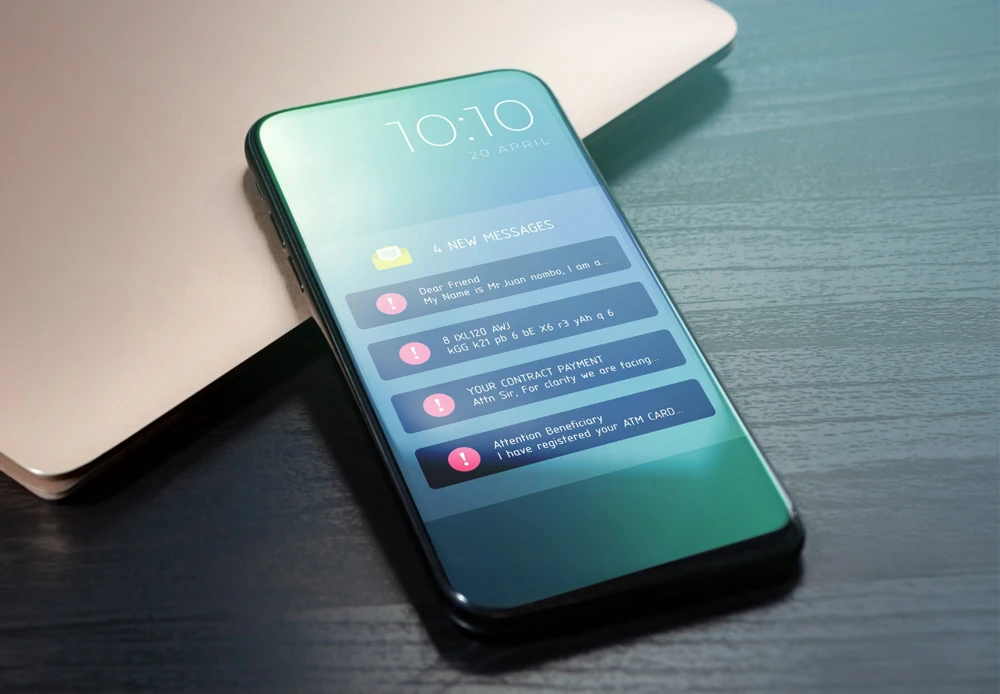
Scammers are using AI-generated voices, fake videos, and impersonation tactics to make fraud attempts feel more believable than ever.
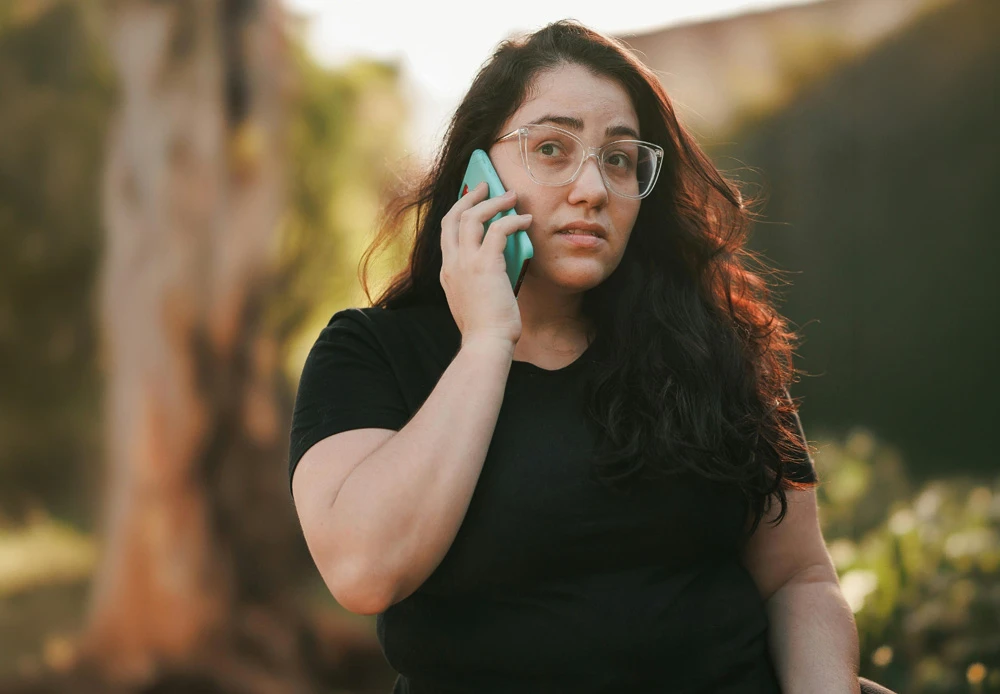
Fraudsters can manipulate caller ID information to make calls appear as if they are coming from Frontwave or another trusted organization.

Some scams build trust slowly through online relationships, social media, or investment conversations before asking for money or cryptocurrency transfers.

Watch a GreenPath Financial Wellness video on how identity theft happens, common warning signs, and steps you can take to help protect your accounts and personal information.

Scammers rely on familiar tactics to trick people into acting quickly. Learn how to recognize common warning signs, protect your accounts and know what to do if something doesn't feel right.

Learn how to recognize the warning signs of elder financial abuse, take action early and find help if someone you care about may be at risk.