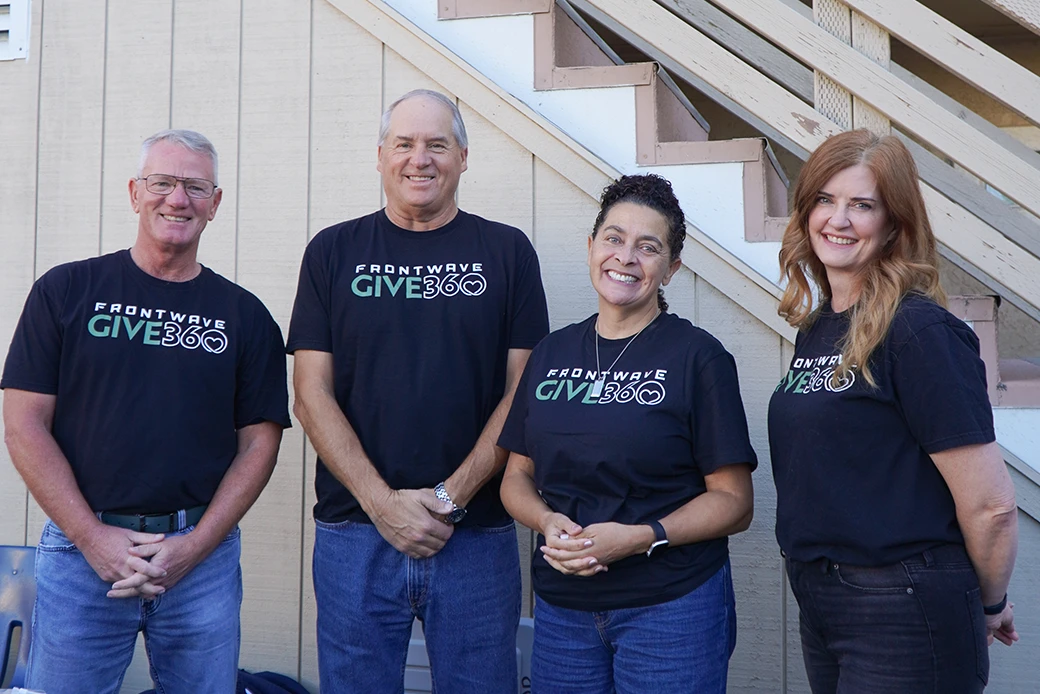
Showing Up for Our Communities
Through Frontwave Give360, we support local organizations and causes that strengthen the communities we call home.
Through Frontwave Give360, we support local organizations and causes that strengthen the communities we call home.

Use the value you've built to renovate, consolidate, or fund what's next.
Lending options tailored for hardworking business owners like you.
Insights on money, life, and the communities we serve.
Turning compassion into action through grants, scholarships, and support for local nonprofits.

Manage your Frontwave business loan payments without the hassle. Set up autopay through Digital Banking in minutes for fast, secure, automatic payments. Skip the branch, avoid missed due dates and late fees, and keep your business moving without interruptions.
Pay your loan anytime from Digital Banking. Make a one-time payment, set up automatic payments or pay from another bank.
Tip: You can pay extra toward principal at any time.
From a browser:
From the Mobile App:
From a browser:
From the Mobile App:
If you have already added an external account, it will appear as a payment option in the From Account dropdown. The steps below are for adding a new external account.
From a browser:
After adding your external account, return to the Transfers screen to complete your payment.
From the Mobile App:
After adding your external account, return to the Transfers screen to complete your payment.
IMPORTANT: External transfers may take 1–3 business days to post.
IMPORTANT: You have three attempts to enter the correct trial deposit amounts. After three failed attempts, the account must be re-added.
Want to review or change upcoming automatic payments?
From a browser:
From the Mobile App:
Need to confirm a payment posted?
From a browser:
From the Mobile App:
Prefer not to use Digital Banking? Choose the option that works best for you.
Make a one-time loan payment using any of these options.
Set up automatic payments outside of Digital Banking.
EZ Pay lets you make same-day loan payments using a debit card or an account number and routing number. You can make a one-time payment without registering, or register to save your information for future payments.
IMPORTANT: Registration is required for saved payment access. Each payment has a $10 fee. A $1,500 limit applies per transaction, per loan, per day. Payments cannot be canceled once a tracking number is issued.
Only eligible to make payments on certain loans (Auto, Personal and Home Equity), lines of credit, credit cards and overdrawn accounts.
MAKE A ONE-TIME PAYMENT
Use Express Pay to make a same-day payment without registering.
REGISTERING AN ACCOUNT
IMPORTANT: Registration is available only for the primary account holder.
Registering for EZ Pay lets you save your information for faster future payments. Set up EZ Pay online.
IMPORTANT: Once a tracking number is issued, the payment cannot be canceled or reversed. Comments entered in EZ Pay are for your personal reference only. Frontwave does not see them.
TROUBLE REGISTERING
It’s usually caused by an incorrect answer or formatting issue.
Still need help? Call 800.736.4500 or visit a branch.
FORGOT USERNAME OR PASSWORD?
If you forget your username, you must re-register and create a new one. To reset your password, select Problems Logging In on the EZ Pay login page and follow the prompts.
LOGGED IN BUT CAN'T MAKE A PAYMENT?
This means:
Life happens. Whether you're facing unexpected expenses or just need a little extra breathing room, Frontwave’s Skip-a-Pay program lets you skip one loan payment per year, giving you more flexibility when you need it most.
Note: There is a $45 fee for using Skip-a-Pay
Need help? Call 800.736.4500 or visit a branch.
Internet Explorer is no longer supported by Microsoft. Please update to Microsoft's latest browser Microsoft Edge. Please note that even Microsoft's website cannot well-support this browser. Navigating to the link in this message will result in you being directed to a "Download Microsoft Edge" page with license terms and an "Accept and download" button.
You are leaving the Frontwave Credit Union website. External third-party web sites will be presented in a new and separate content window. Frontwave Credit Union does not provide, and is not responsible for, the product, service, overall website content, accessibility, security or privacy policies on any external third-party sites.